SEO competitor analysis template: a 5-site gap report in Excel
A sheet-by-sheet SEO competitor analysis template for you plus 5 rivals, with every column explained, and how to get it filled automatically in Excel.

- A useful 5-site gap report has seven sheets, namely an index, a head-to-head overview, backlink gap, lost backlinks, 404 opportunities, keyword gap and topic clusters.
- Each sheet's columns are laid out below, so you can build the template yourself in Excel or Google Sheets.
- Filling it by hand means pulling data for six domains and matching them row by row. Seoprama's competitor analysis tool exports the same structure, already filled, one sheet per tab.
- A full run of your site plus 5 competitors is about 1,390 credits. The $2.99 trial (1,000 credits) covers your site plus 3.
Every agency has a competitor analysis spreadsheet somewhere. Usually it’s a copy of a copy, with tabs nobody remembers adding and a “Notes” column that’s been empty since 2023.
This post gives you a cleaner SEO competitor analysis template for Excel: one workbook that compares a client’s site with five rivals, sheet by sheet and column by column. You can build it yourself from the tables below. Or you can let the competitor analysis tool in Seoprama fill it for you, because its Excel export uses exactly this structure.
What a five-site gap report has to answer
Before columns, decide what the workbook is for. A client doesn’t want to see data. They want answers to four questions:
- How far behind are we, and behind whom? That’s the overview.
- Which links could we realistically get? That’s the backlink gap, plus links rivals lost and broken pages they left behind.
- Which searches are we missing? That’s the keyword gap.
- What should we write first? That’s the keyword gap grouped into topics.
Most free templates you’ll find stop at question one. They give you a row per competitor with domain rating, traffic and keyword count, and leave you to work out what to do. That’s a scorecard, and a scorecard doesn’t tell the client what happens on Monday.
The template below answers all four, with one sheet per question and a few extra sheets for the outreach work that falls out of it.
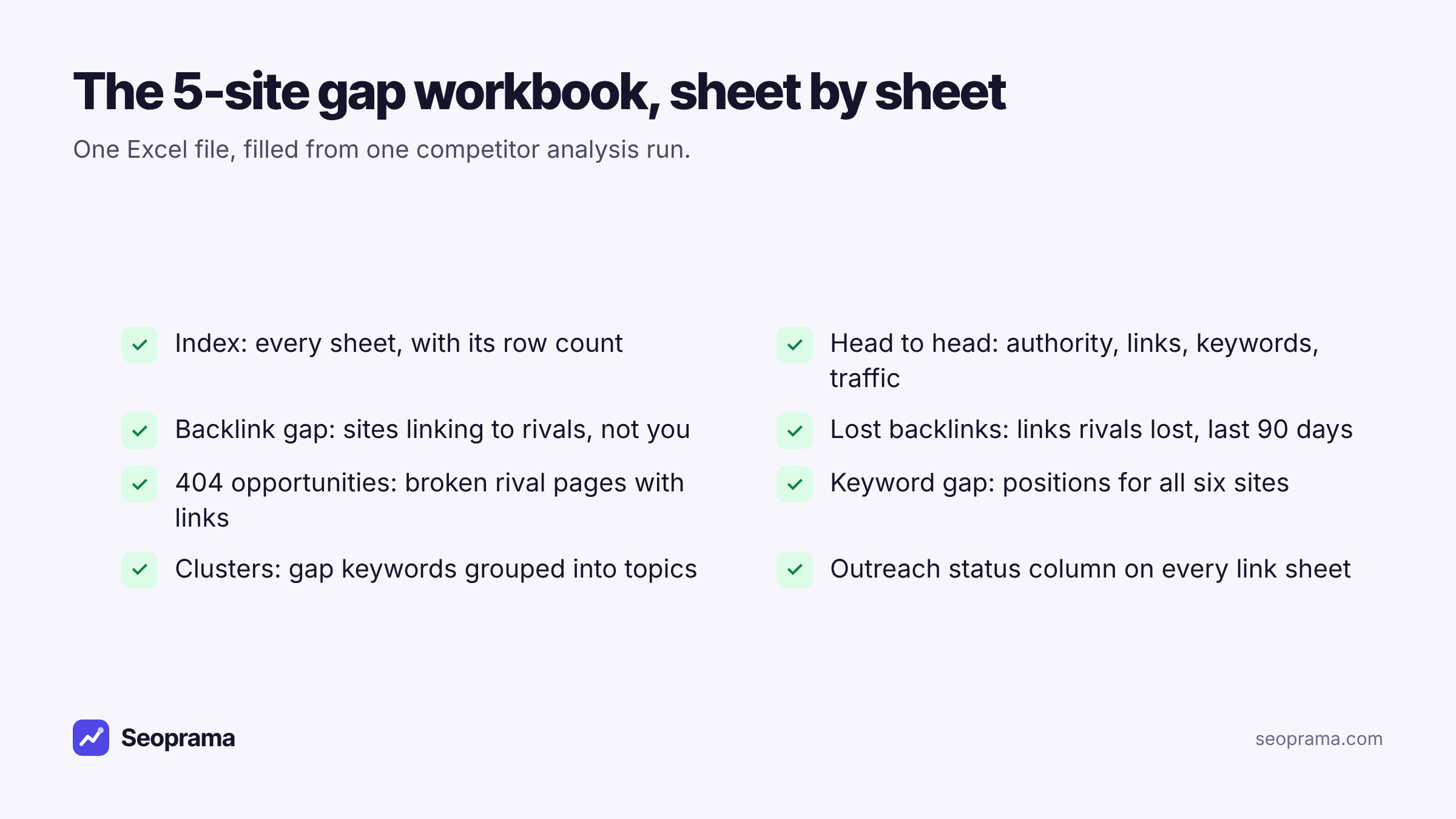
Backlink gap, lost links, 404 opportunities, keyword gap and clusters, exported to Excel.
The template, sheet by sheet
Here’s every sheet and column. Copy the headers into a blank workbook if you want to fill it by hand. If you’d rather not, skip to the walkthrough further down.
Sheet 1: Index
The front page. One row per sheet, with a link to it and the number of rows it holds.
| Column | What goes in it |
|---|---|
| Sheet | The sheet name, linked to that tab |
| Rows | How many rows the sheet holds |
Put a title at the top like “clientsite.com vs 5 competitors” and the export date. Row counts sound trivial, but they’re the first thing a client asks about: “how many link opportunities did you find?”
Sheet 2: Head to head
One row per domain, your site first. This is the only sheet most clients read in full, so keep it to six rows.
| Column | What goes in it |
|---|---|
| Domain | Each site, with yours marked “(you)” |
| Authority | A domain strength score, so you can compare like with like |
| Referring domains | Unique sites linking to the domain |
| Backlinks | Total links pointing at it |
| Organic keywords | Keywords it ranks for |
| Est. traffic / mo | Estimated monthly organic visits |
| New links (30 d) | Links gained in the last 30 days |
The last column is the one I’d never drop. Referring domains tell you who’s bigger. New links in 30 days tell you who’s actually working on it right now.
Sheet 3: Backlink gap
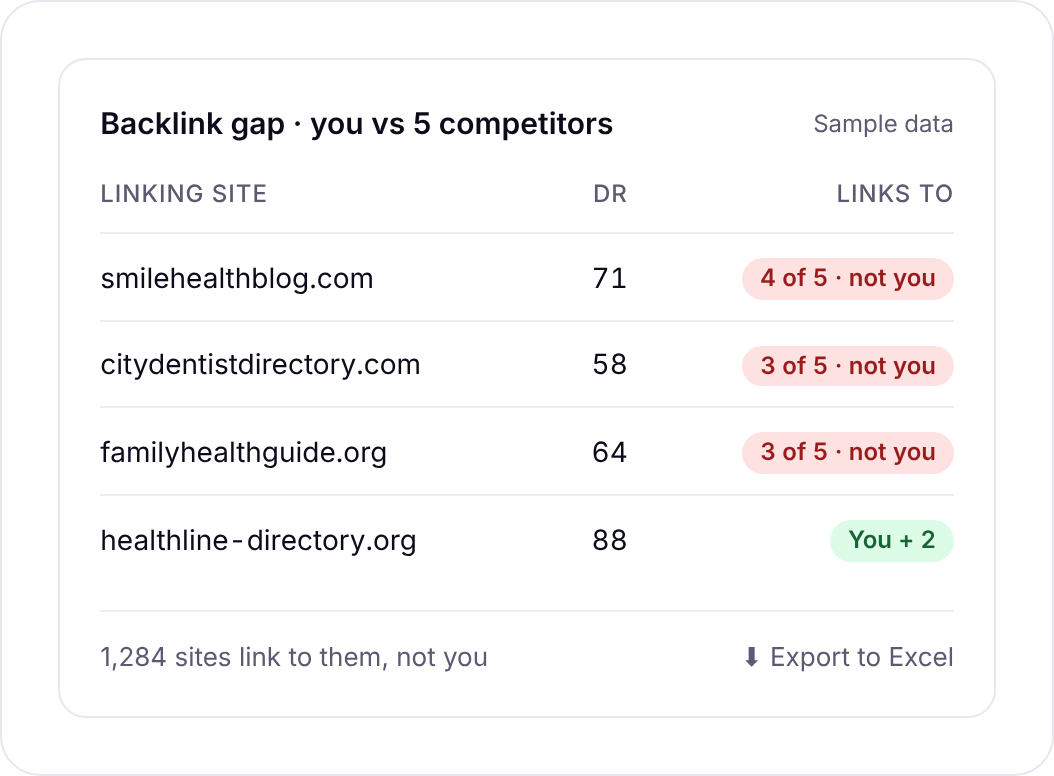
Sites that link to one or more competitors but not to you. This is your outreach list.
| Column | What goes in it |
|---|---|
| # | Row number |
| Referring domain | The linking site, clickable |
| Authority | Its strength score |
| Dofollow | Yes or No |
| Type | The kind of site, where known (blog, forum and so on) |
| Links to | How many of your competitors it links to |
| One column per competitor | A tick if it links to that competitor |
| Outreach status | Blank, for you to fill in |
Sort by “Links to”, highest first. A site linking to four of your five rivals is telling you it covers your topic and links out freely. That’s the warmest row in the workbook.
Sheet 4: Lost backlinks
Links your competitors lost recently. A 90-day window works well; older than that and the linking page has usually moved on.
| Column | What goes in it |
|---|---|
| # | Row number |
| Linking site | The site that used to link |
| Authority | Its strength score |
| Linking page | The page the link was on |
| Lost by | Which competitor lost it |
| Page it linked to | The competitor page it pointed at |
| Why | “Their page broke” or “Link removed” |
| When | Date the link was lost |
| Outreach status | Blank, for you |
The “Why” column changes your pitch. If the competitor’s page broke, the linking site has a dead link and a reason to fix it. If the link was removed on purpose, tread carefully and find out why first.
Sheet 5: 404 opportunities
Competitor pages that now return an error but still have links pointing at them.
| Column | What goes in it |
|---|---|
| # | Row number |
| Competitor | Whose page it is |
| Broken page | The dead URL |
| Status | The error code, usually 404 |
| Backlinks | Links still pointing at it |
| Ref. domains | Unique sites still linking |
| Was about | The topic, read from the URL |
| Linking pages | Where to find the sites that link to it |
| Outreach status | Blank, for you |
This sheet doubles as a content brief. If a broken competitor page on “dental implant aftercare” still has 30 referring domains, that’s a page your client should probably write anyway.
Sheet 6: Keyword gap
Every keyword any of the six sites ranks for, with each site’s position side by side.
| Column | What goes in it |
|---|---|
| Keyword | The search term |
| Volume | Monthly searches |
| KD | Keyword difficulty |
| Intent | Informational, commercial, transactional or navigational |
| You | Your Google position, or blank |
| One column per competitor | Their position, or blank |
| Gap | Missing, Weak, Shared or Your unique |
The Gap column does the sorting for you. “Missing” means you don’t rank and at least one competitor does.
“Weak” means you rank, but off page one, while a competitor sits above you. “Shared” means you’re both in, and “Your unique” means only you rank. Filter to Missing and Weak and you’ve got your target list.
Sheet 7: Clusters
The keyword gap grouped into topics, so you plan pages instead of reading rows.
| Column | What goes in it |
|---|---|
| # | Row number |
| Topic | The cluster’s name |
| Keywords | How many keywords are in it |
| Searches / mo | Total monthly volume |
| You rank for | How many of them you already rank for |
| Keywords in topic | The keywords themselves, comma separated |
A cluster with high volume and “You rank for” near zero is a missing page. A cluster where you rank for half the terms is a page that needs updating, which is usually quicker.
Filling the template by hand vs letting the tool fill it
You can absolutely fill this in by hand. Here’s what that involves for one client with five competitors:
- Export backlinks and referring domains for six sites from whatever backlink tool you use.
- Export ranking keywords for six sites.
- De-duplicate the linking domains and build a matrix of who links to whom. That’s a pivot table or a long run of COUNTIFS.
- Do the same for keywords, then write a formula that labels each row Missing, Weak, Shared or unique.
- Check each competitor’s linked pages for 404s.
- Group a few thousand keywords into topics, by eye.
That’s an afternoon if you’re quick with Excel, and longer the first time. The matching steps are where mistakes creep in. One domain with a trailing “www.” and your gap count is wrong.
Seoprama’s competitor analysis does those steps for you and exports the result as one Excel file, with one sheet per tab, formatted headers and filters already switched on. Same seven sheets, same columns.
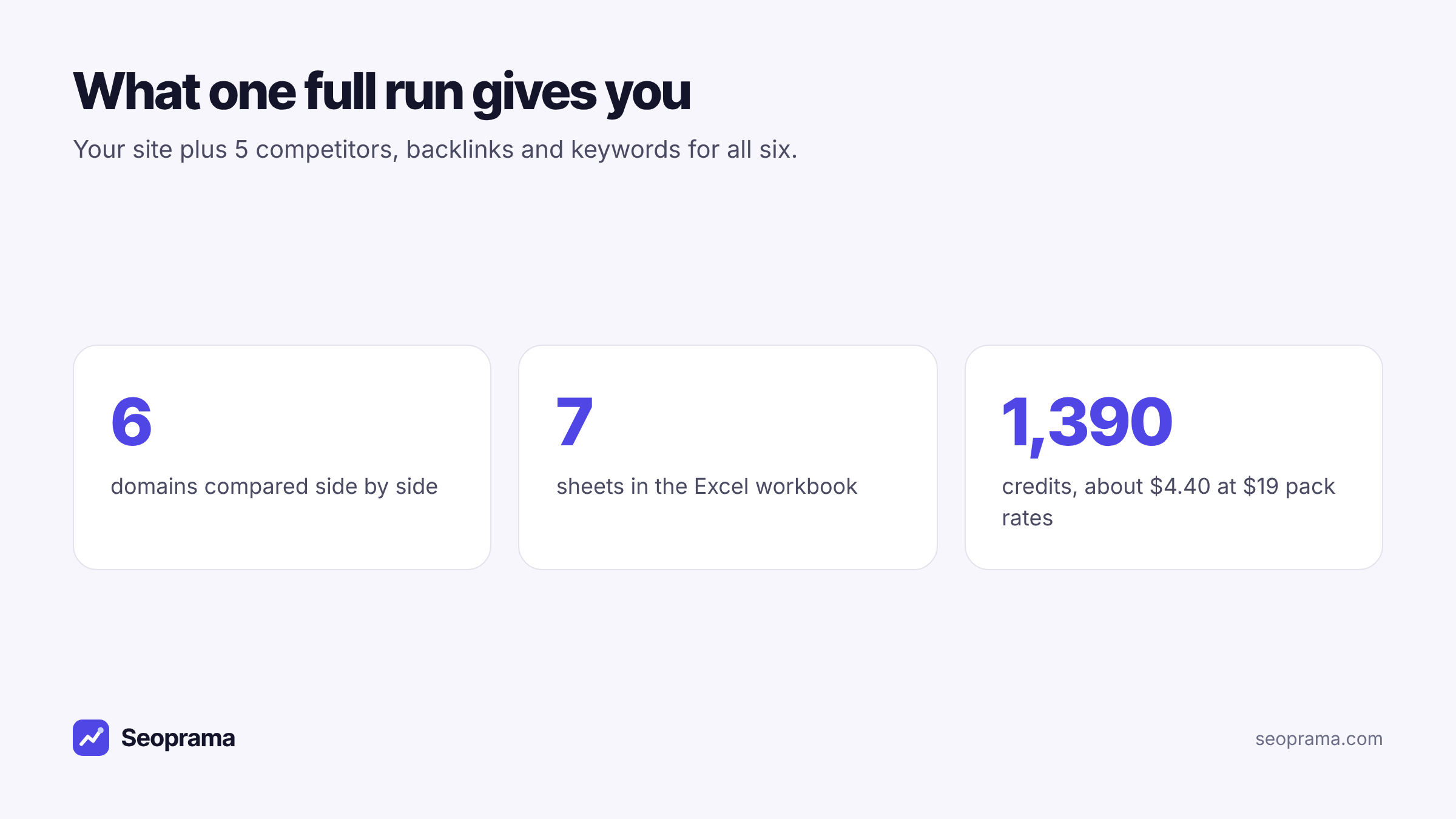
On cost, briefly: a full run of you plus 5 competitors is about 1,390 credits, roughly $4.40 at $19 pack rates. The full breakdown, and how to pay less, is in what a competitor analysis costs per site.
About 21 keyword searches, or a few searches plus a backlink lookup and a week of rank tracking. No monthly plan, and credits never expire.
Generating the filled workbook in Seoprama, step by step
Here’s the flow from a blank project to a filled workbook.
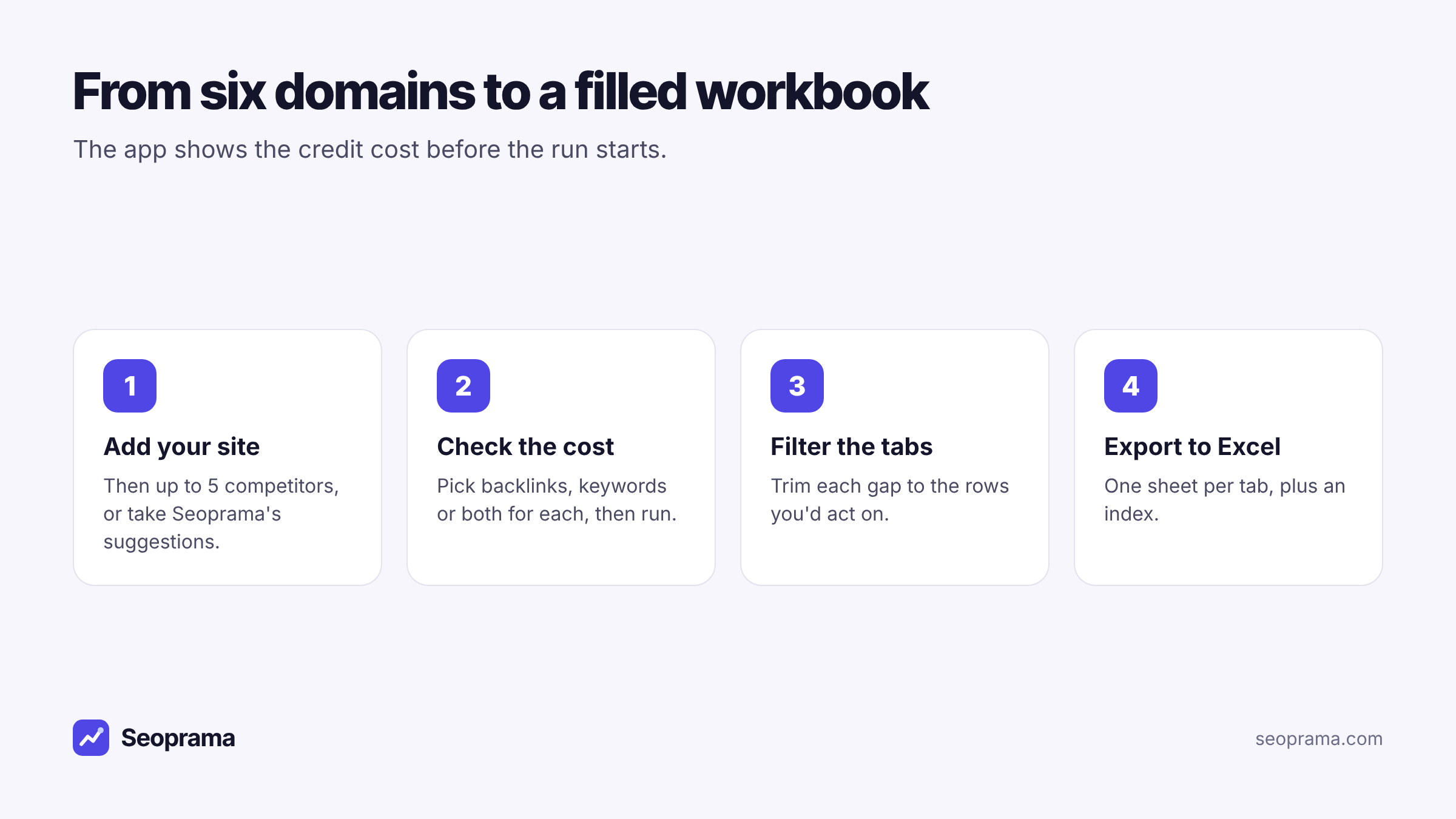
1. Add your site, then up to 5 competitors. Type their domains, or let Seoprama suggest sites that rank for the same keywords as you. The suggestions are often better than the client’s own list, which tends to name the business across town rather than the sites taking their traffic.
2. Pick what to pull and check the cost. For each competitor you can pull backlinks, keywords or both. The app shows the credit cost of the run before it starts. If the client only wants a content plan, keywords alone will fill sheets 6 and 7.
3. Look through the tabs. The app shows the same views as the workbook: an overview, backlink gap, lost backlinks, 404 opportunities, keyword gap and keyword clusters. Filter the backlink gap to sites linking to two or more competitors, and the keyword gap to the statuses you care about.
4. Export. One button gives you the whole workbook. Each tab also has its own export if you only want one sheet, say the backlink gap for the person doing outreach.
Results are kept for 3 days, and opening them again in that time is free. So export before you close the laptop on Friday, not the following Wednesday.
Columns worth adding before it goes to a client
The exported workbook is a working file. Before a client sees it, I add three columns to the link sheets and one to the clusters sheet. They take five minutes and make the file feel like a plan rather than a data dump.
| Sheet | Column to add | Why |
|---|---|---|
| Backlink gap, lost backlinks, 404s | Owner | Who sends the email. Without a name, nobody does. |
| Backlink gap, lost backlinks, 404s | Target page | Which of your client’s pages you’ll pitch. Forces you to check one exists. |
| Backlink gap, lost backlinks, 404s | Priority | High, medium, low. Keep “high” to 20 rows or fewer. |
| Clusters | Action | New page, update page, or skip. |
The Outreach status column is already there on the three link sheets. Use a short fixed list (to contact, sent, replied, won, no) so you can filter on it later. Free text in a status column always ends up as “chased?? check w/ Priya” and can’t be counted.
One opinion: delete rows before you send. A 1,200-row backlink gap tells the client you found a lot. A 40-row gap with an owner on every line tells them you know what to do. The full list can live in a hidden sheet for anyone who wants it.
Picking the five competitors for the template
The template is only as good as the five domains in it. A few quick rules:
- Take them from the search results. Search the client’s three or four best keywords and note who keeps turning up.
- Mix sizes. One leader to show the ceiling, three or four sites about your size to show what’s realistic.
- Leave out marketplaces and directories. They rank for everything and you’ll never copy their link profile.
Write the five domains on the Index sheet so everyone knows what was compared. When the client asks “why isn’t BigBrand in here?” six months later, the answer’s on page one.
Turning the workbook into something the client actually reads
A seven-sheet workbook is perfect for you and your outreach person. For the client, it’s homework.
So I send two things. The workbook, for anyone who wants detail. And a one-page summary on top: where the client is behind (from Head to head), the ten links you’ll go after first (from the backlink gap), and the two or three pages you’ll write (from Clusters).
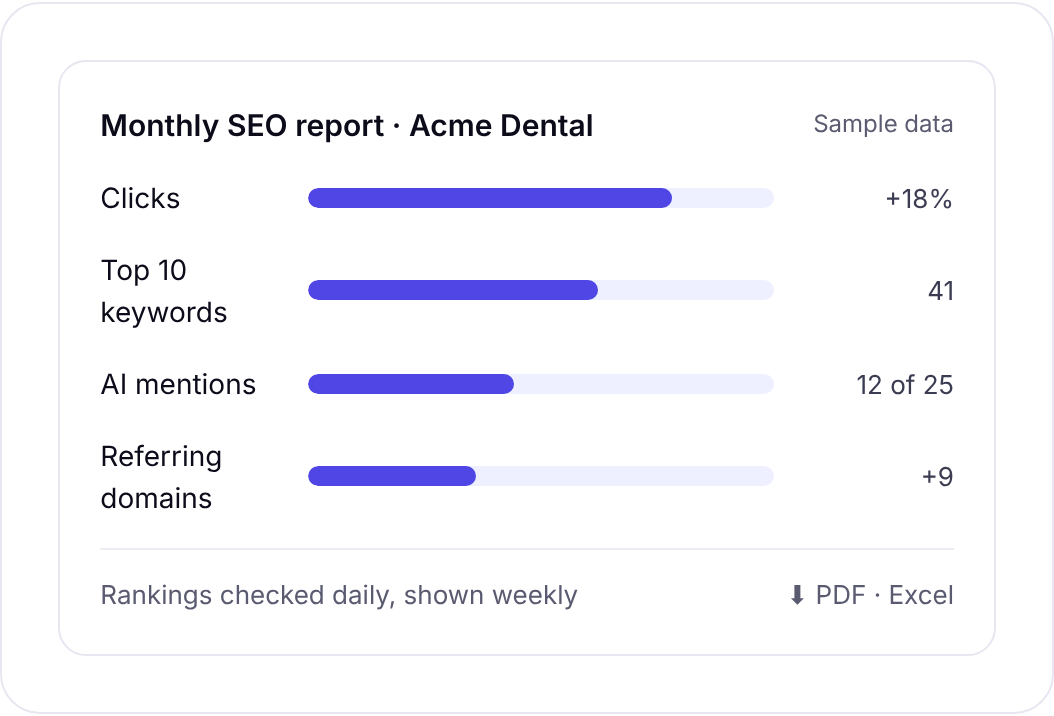
If you already send monthly SEO reports, the report builder handles the regular reporting side: rankings, AI prompt tracking, Search Console, GA4, backlinks and audit results, with the client’s logo, exported to PDF or Excel. It doesn’t import the competitor workbook, so keep the gap report as its own attachment. The report builder is free for the first 3 months, then part of the Premium add-on at $10 a month.
Where this template falls short
Better you hear the limits from me than find them halfway through a proposal.
Five competitors is the cap. For a market with eight serious rivals, run two comparisons and merge the sheets, or pick the five that matter most.
The numbers are estimates. Traffic estimates in any SEO tool are modelled, not measured. Use them to compare sites with each other, not as a forecast for the client.
A blank position means “not in the data”. On the keyword gap, an empty cell means the site isn’t in the results the tool has. It doesn’t prove the site has no page for that term.
The database is smaller than the giants’. Backlink and keyword data comes from DataForSEO. Ahrefs and Semrush have larger databases and more reports, and if you live in competitor data all day, their plans may suit you. Ahrefs Lite is $129 a month and Semrush plans start from about $140 a month, according to the comparison on seoprama.com. The argument for credits is paying per report when you need one, which suits a gap report you run once a quarter. See the pricing page for packs.
It’s a snapshot. Lost backlinks cover a recent window, and rankings move. Re-run the comparison each quarter rather than editing the old workbook by hand.
Buy credits once and spend them only when you run something. Bigger packs give more credits per dollar.
Frequently asked questions
What should an SEO competitor analysis template include?
At minimum, an overview of each site’s links, keywords and traffic, a backlink gap, a keyword gap and some way of grouping the gap keywords into topics. Lost competitor backlinks and broken competitor pages with links are worth adding, because they’re the easiest outreach wins.
Is there a free SEO competitor analysis template in Excel?
You can build the one in this post for free from the column tables above. Filling it by hand means exporting and matching data for every domain. Seoprama’s competitor analysis exports the same structure already filled, for about 1,390 credits for you plus 5 competitors.
How many competitors should a gap report compare?
Five is plenty for most clients. One market leader and three or four sites about your size give you both the ceiling and what’s realistic. More than that and the keyword gap fills with terms you can’t win yet.
Can I export just one sheet instead of the whole workbook?
Yes. In Seoprama each tab has its own Excel export, so you can send only the backlink gap to whoever does outreach. The full export gives you every sheet plus an index.
Does the export work in Google Sheets?
The export is a standard Excel file, so it opens in Google Sheets as well as Excel. Formatting may shift slightly in Sheets, but the columns and data come across.
How often should I update a competitor gap report?
Once a quarter suits most clients. Re-run it sooner if a new competitor appears for the client’s main keywords or rankings drop suddenly.